Protect Exchange Server data with our local Exchange Backup tool. Save complete mailbox databases on your local, network, flash, and external hard drives for quick access. Keep emails, contacts, and calendars safe from malware attacks and theft.
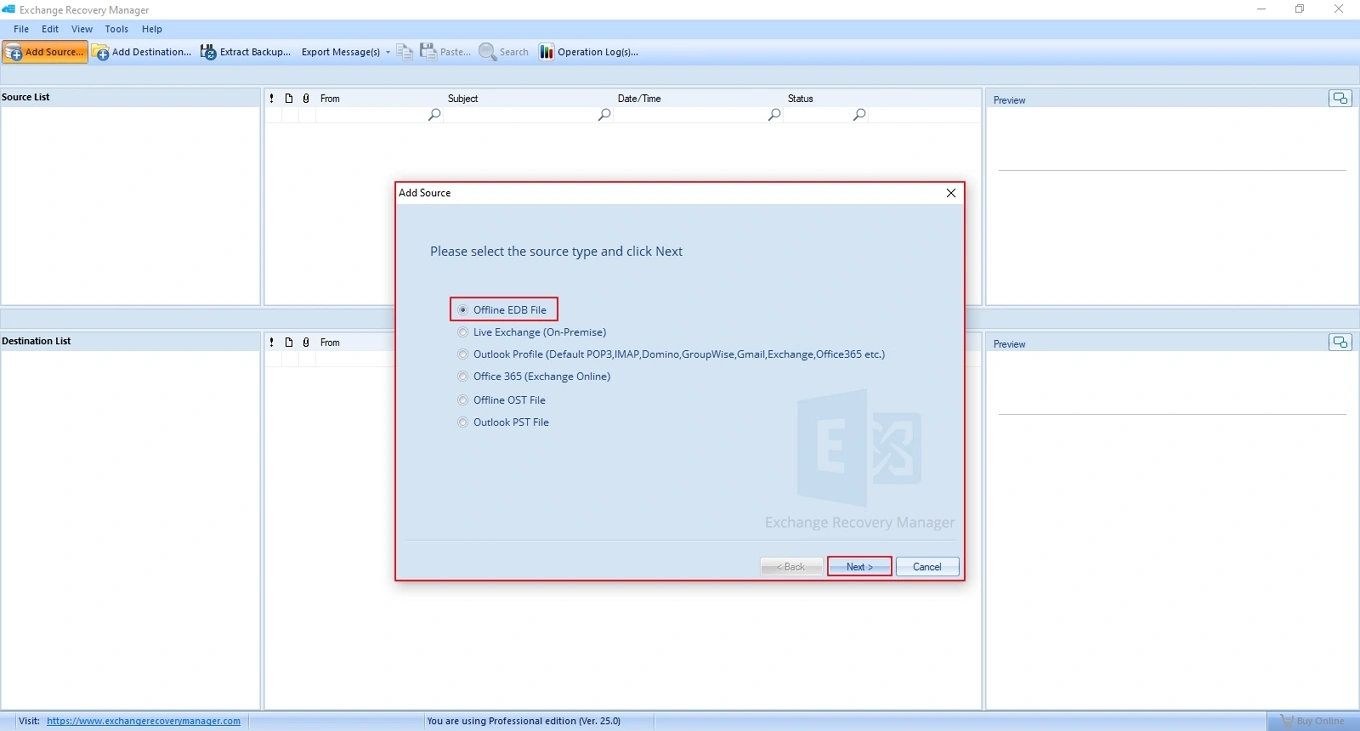
Add multiple offline EDB files one-by-one and backup bulk Exchange mailboxes easily. Perform granular backup for multiple Exchange mailboxes, folders, and items. Save all data safely in one process, reduce manual effort, and ensure accurate, organized, and 100% Exchange backups results.
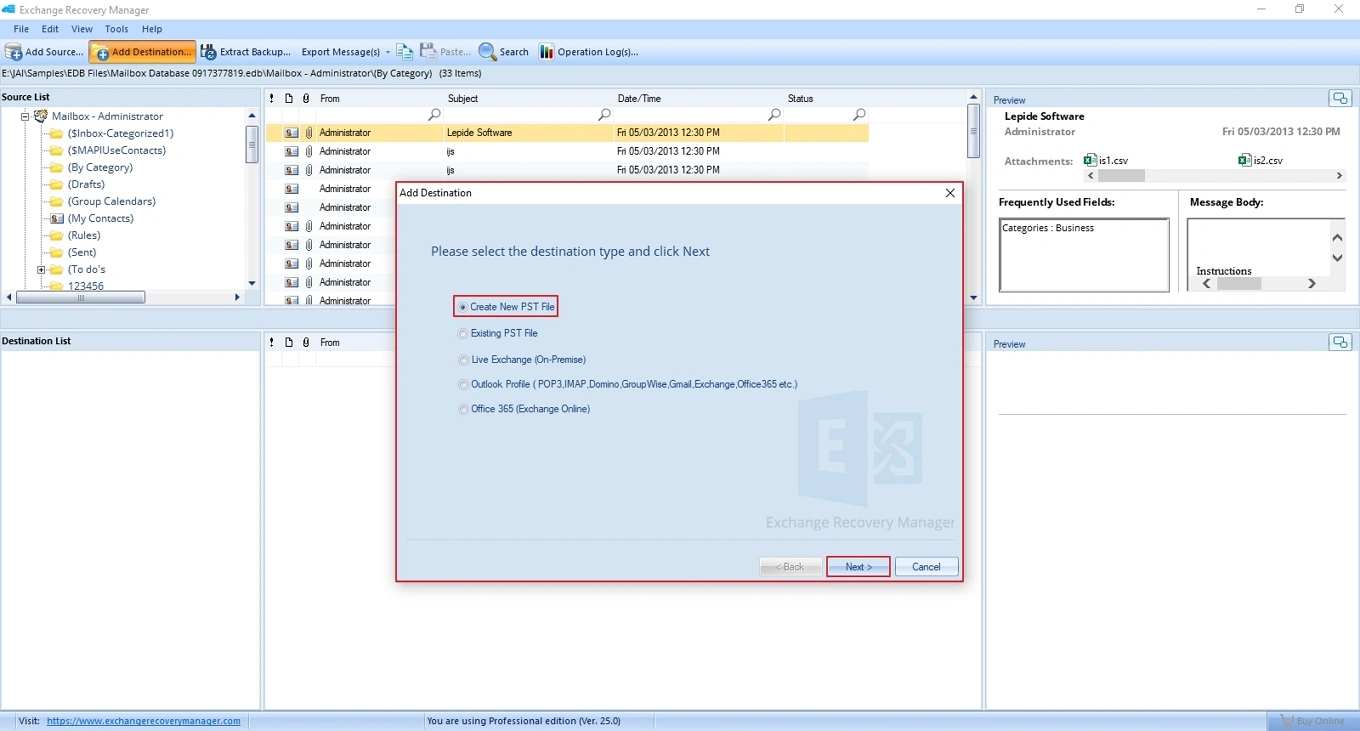
Create Exchange backups in PST format to secure your database file in local storage. Save all mailboxes, emails, contacts, and calendars in one PST file. Access Exchange data in any Outlook version with all the files and folders intact.
Protect Exchange Online data with our Exchange Server Online Backup solution. Save emails, contacts, calendars, and mailboxes from an Exchange Online account to another Exchange Online account. Migrate your Exchange cloud data anytime without cloud risks.
Safeguard On-Premise Exchange data with all the users, files, folders, and metadata intact. Get full control over your on-premises Exchange mailbox and migrate its data to another on-premises Exchange. Easy to switch your organization’s data into multiple On-premises accounts.
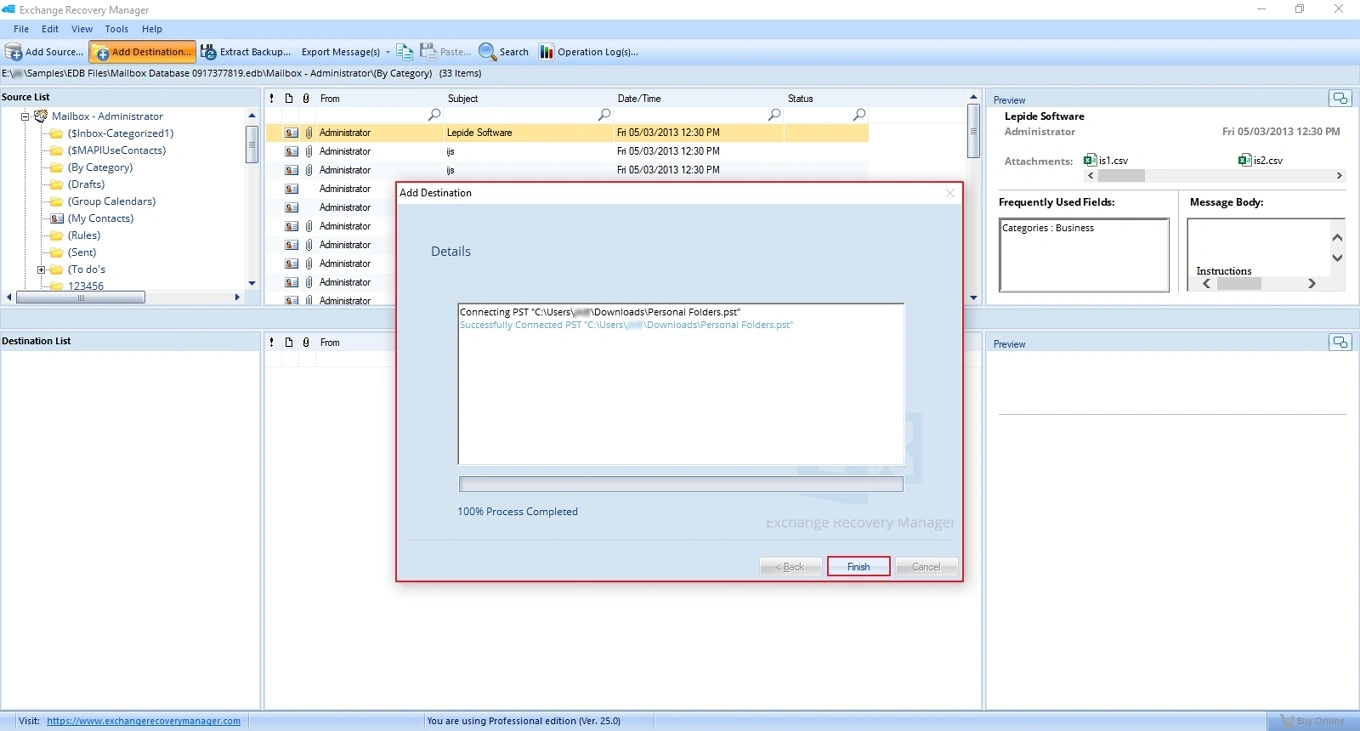
The Microsoft Exchange Server Backup software allows users to save securely primary, archive, and shared folders with one simple backup process. View all mailboxes and folders clearly within the Exchange Backup wizard. Save your mailboxes locally for easy data access.
Choose dual scanning modes for flexible EDB file recovery. Use Standard Scan for basic scanning needs. Select Deep Scan to retrieve database data accurately and fast. The Exchange Mailbox Backup tool offers reliable results based on your situation.
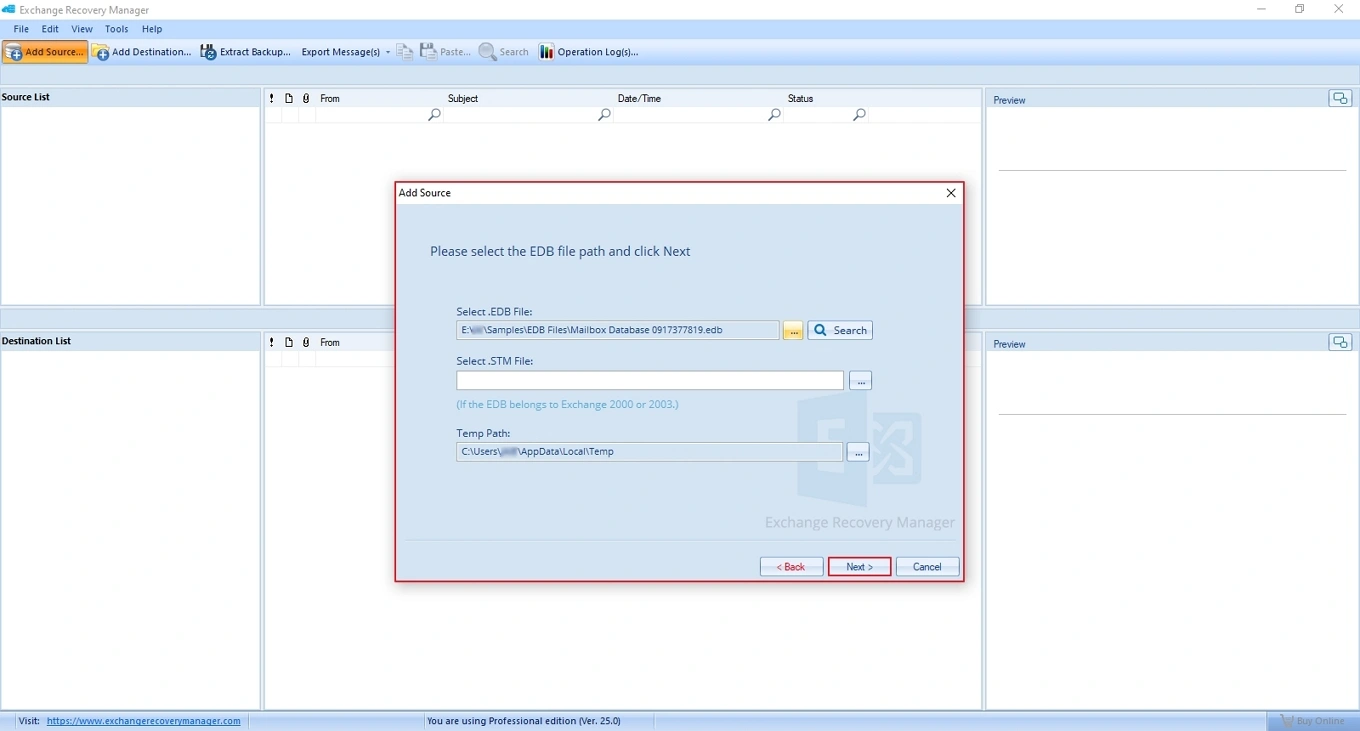
Find EDB files automatically with smart search options. Select a desired drive or folder, and the Microsoft Exchange Server Backup software locates all offline EDB files on your system. Save time, avoid manual effort, and access Exchange databases quickly.
View all your essential Exchange mails easily before backup. Get a clear preview of any specific emails in a panel with proper formatting. Check message details, attachments, and folders with confidence. Ensure essential emails are backed up without facing any issues.
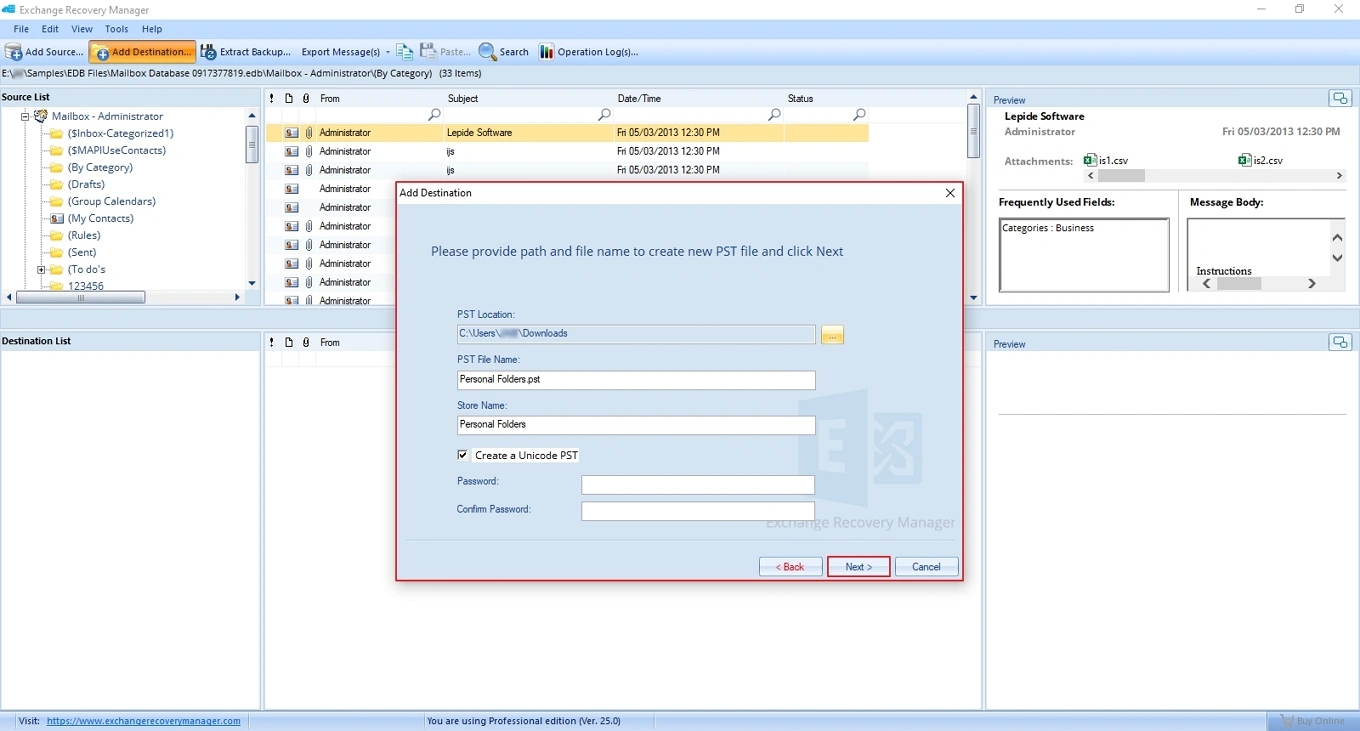
Get full flexibility and control over your Exchange data by saving it locally. Export your mailbox in a PST file to different locations, such as local drives, network locations, flash storage, or external hard drives. Keep data safe, organized, and ready for quick recovery when needed.
Restore Exchange Server data with a dedicated Outlook PST File module. It allows you to transfer data from bulk PST files directly to Exchange Server or Exchange Online. Recover complete mailboxes with accuracy and preserve all the mailboxes, email formatting, and folder hierarchy in the destination.
Backup Exchange Data in multiple file formats, including existing or a new PST, MSG (Unicode), MSG (ANSI), EML, RTF, HTML, TXT, PDF, DOC, and DOCX. Save your entire emails into any preferred format with hierarchy and rearrange them in the saving folder as per the date and time prefix of the exported message.
| Features | Free Trial |
Full Version |
|---|---|---|
| Bulk Exchange Mailboxes Backup | ✓ | ✓ |
| Backup Exchange Data in PST, EML, MSG, RTF, PDF, HTML, TXT and DOC | ✓ | ✓ |
| Dual Scanning Modes | ✓ | ✓ |
| Smart Search Feature | ✓ | ✓ |
| Preview Exchange Mails [Message Details, Attachments, and Folders] | ✓ | ✓ |
| Windows Compatibility [Windows 11, 10, 8.1, 8, and 7 and below] | ✓ | ✓ |
| Backup Exchange Server data | 25 items per folder | No limitation |
| Download Free Trial | Buy Now |
Basic System Requirements
Supported Windows Operating System (both 32 and 64 bit)
Supported Microsoft Exchange Server versions
Supported Microsoft Outlook versions

Check out all the regular queries and their answers to simplify the Exchange Server database backup process in multiple file formats with complete data integrity.
Buy Online